
Book
They book on your page
Your link or QR opens a booking page with your logo and color. Customers pick a time and describe the problem. No account needed.
For mobile mechanics and shops
Give your customers an app that wears your brand: your logo, your color, and your own link. They book from a QR, follow the job live, and pay your invoice from their phone.
mechanicshelper.app/your-name
14 days free. Then $19.99/mo for mobile and independent mechanics, $39.99/mo for shops.
No card needed
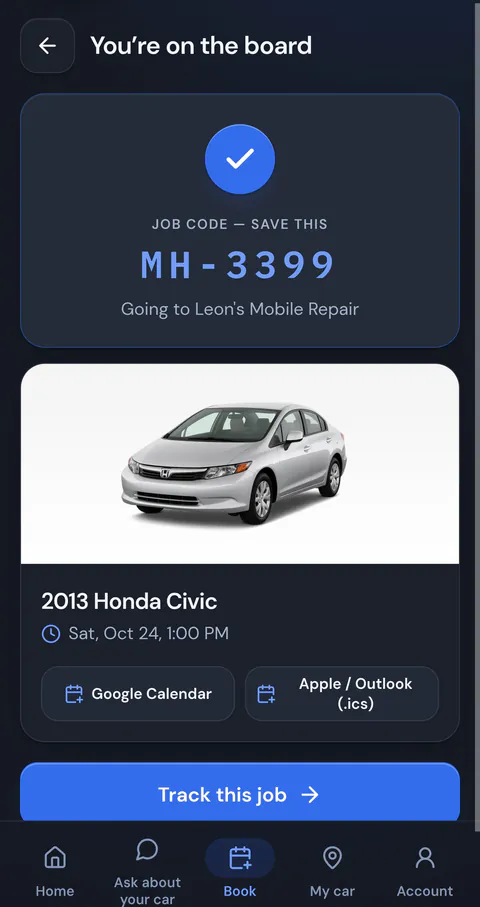
Your logo, business name and colors show on the screen your customers use to book and to follow the job live.
mechanicshelper.app/your-name. Put it on your truck, your cards, and your texts. Shops and independents each get one.
Print your QR or show it on your phone. One scan opens your booking page. Nothing to download.
Your logo sits in the header and your color runs through the buttons. Text stays readable on any color you pick.
When a customer adds you to their home screen, the icon is your logo and the name is yours.
QR booking
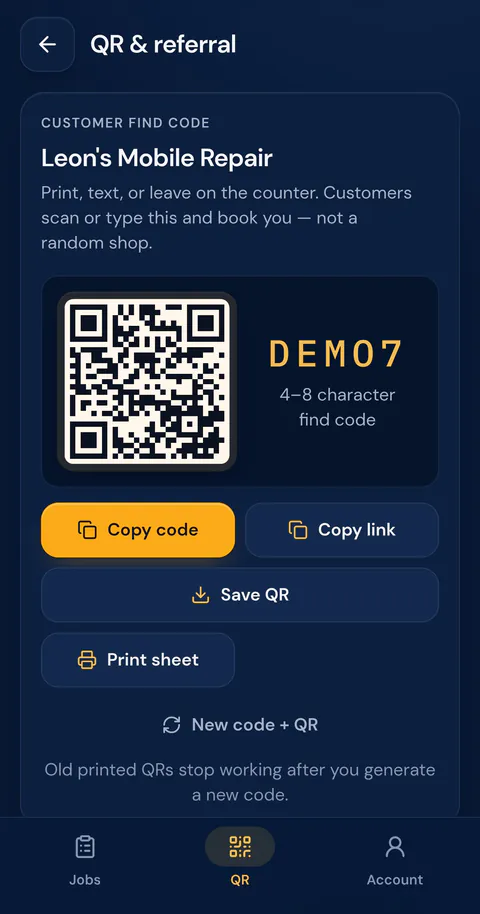
Customers scan your QR or type your find code, and they book you, not a random shop. Print it, text it, or leave it on the counter.
Book
Your link or QR opens a booking page with your logo and color. Customers pick a time and describe the problem. No account needed.
Live status
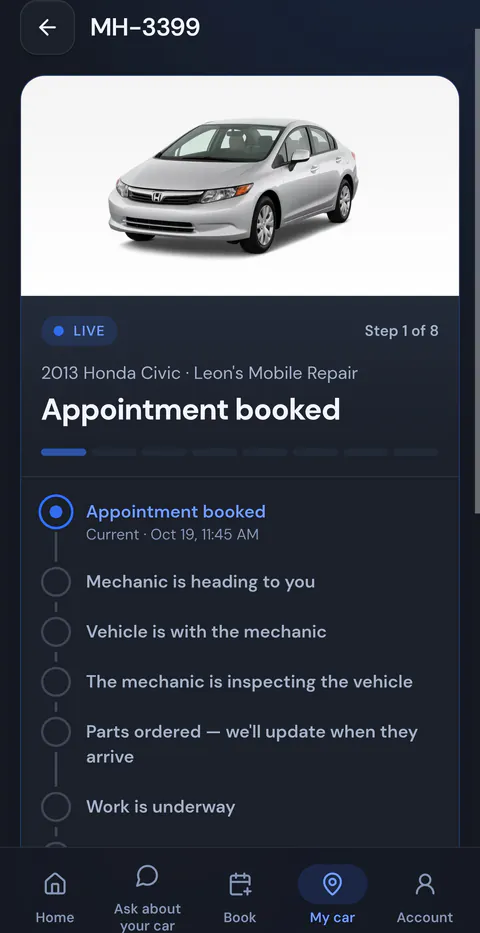
Move the job forward and post a quick note. The customer sees it on their phone right away, under your name.
Get paid
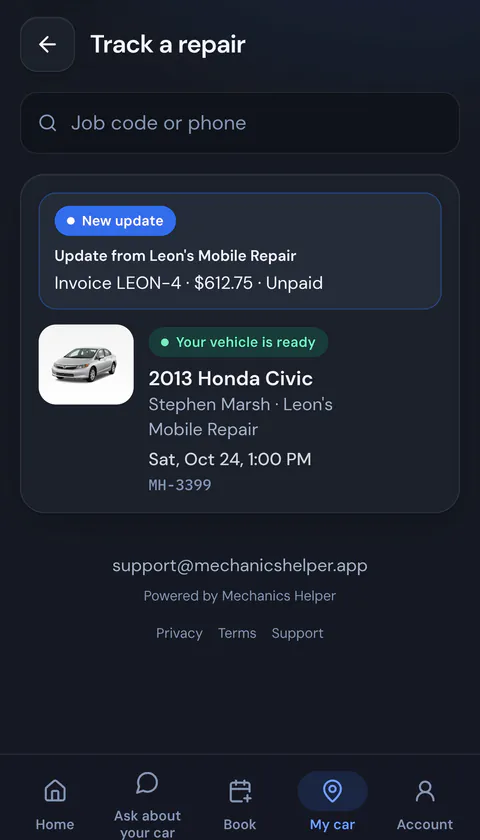
Send the invoice from the job. Customers pay by card through Stripe, straight to your own account, or tap your Venmo, Cash App, or PayPal link.
Card payments go to your own Stripe account. No extra platform fees. Stripe's processing fees apply.
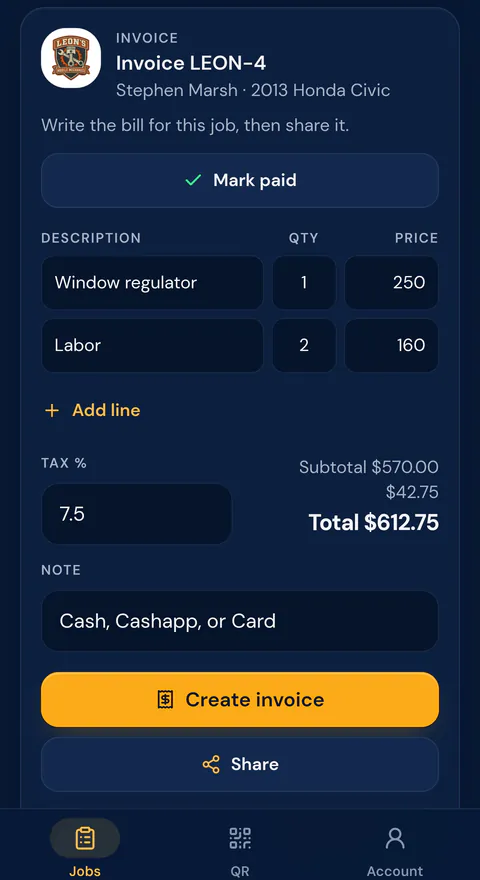
Driveway, roadside, or your own garage. Your phone runs the whole job: booking, updates, the invoice, and getting paid.
Add your technicians, keep every open ticket on one board, and put your QR on the counter.
Add a photo of the work or the part.
Every open ticket stays on one board.
The whole app switches between English and Spanish.
Customers never pay to use the app.
Start with a 14-day free trial. Cancel anytime.
Mobile / Independent
$19.99/mo
One mechanic, your brand, your link.
Shop
$39.99/mo
Your team, one board, your brand on every ticket.
Customers always use Mechanics Helper for free.
Add your logo, pick your color, and claim your link in a few minutes. The first 14 days are free.